čeština
 slovenčina
 english

Silver coin 2 Oz Paint
Current repurchase price
will be offered
Repurchase follows repurchase rules.
Personal pickup at the store
Product description
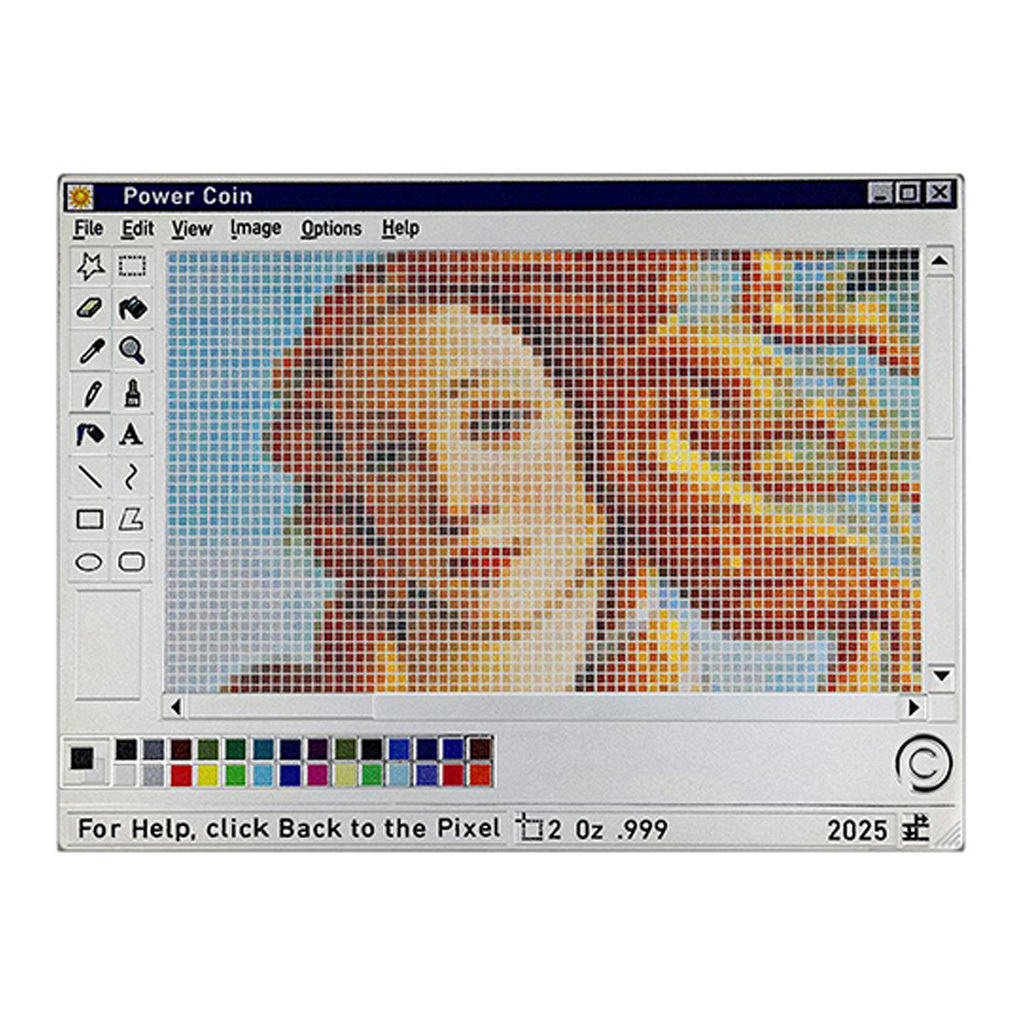
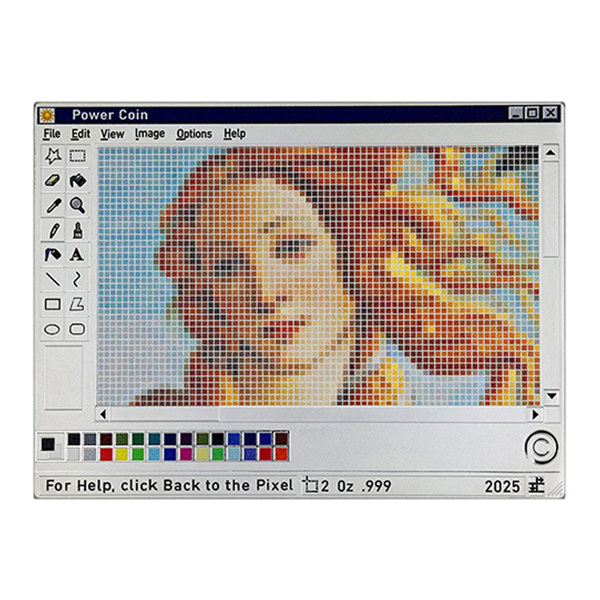
This stylish silver coin nostalgically recalls a computer program called Paint.
Computers were entering households, and with them came the new Windows operating system in 1985. Part of its equipment was an inconspicuous but useful program with a simple name – Paint. At first glance, it seemed modest – it offered a white canvas, a few simple tools, basic colors, and the ability to draw with a mouse – but in reality, it was revolutionary. It allowed ordinary PC users to create their own images directly on their computers. Since then, Paint has become an integral part of every version of Windows, opening up a world of digital creativity to generations of users. For many, it was their first experience with digital graphics, leading to a lifelong obsession. Children used the program for play and learning, adults for work and relaxation...
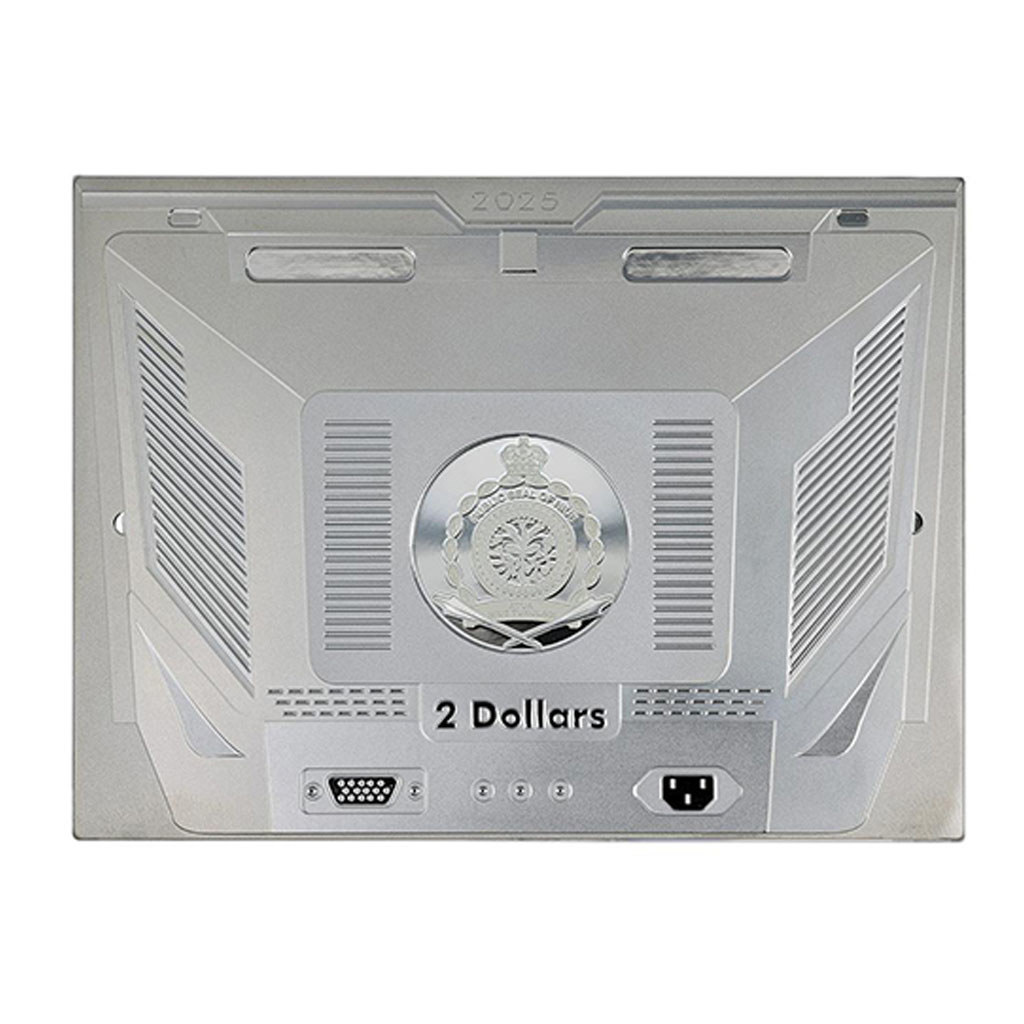
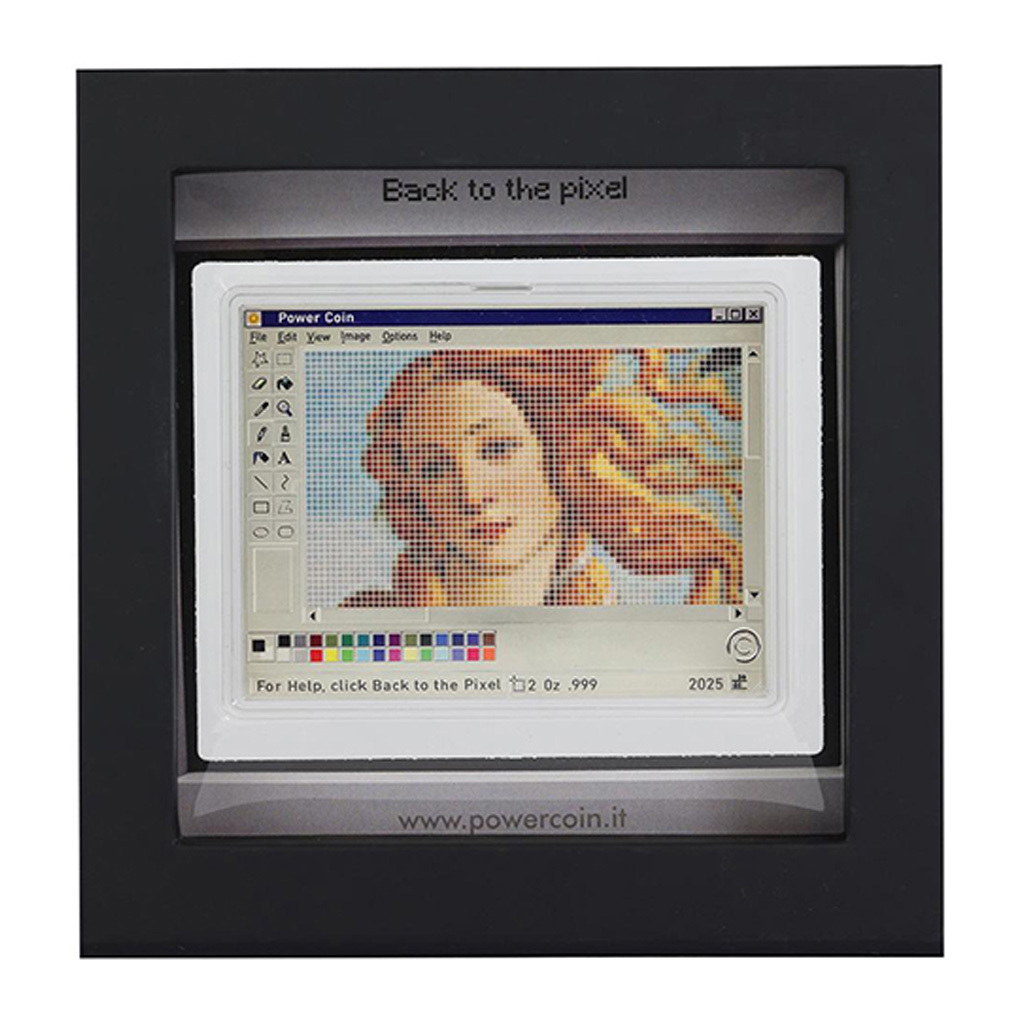
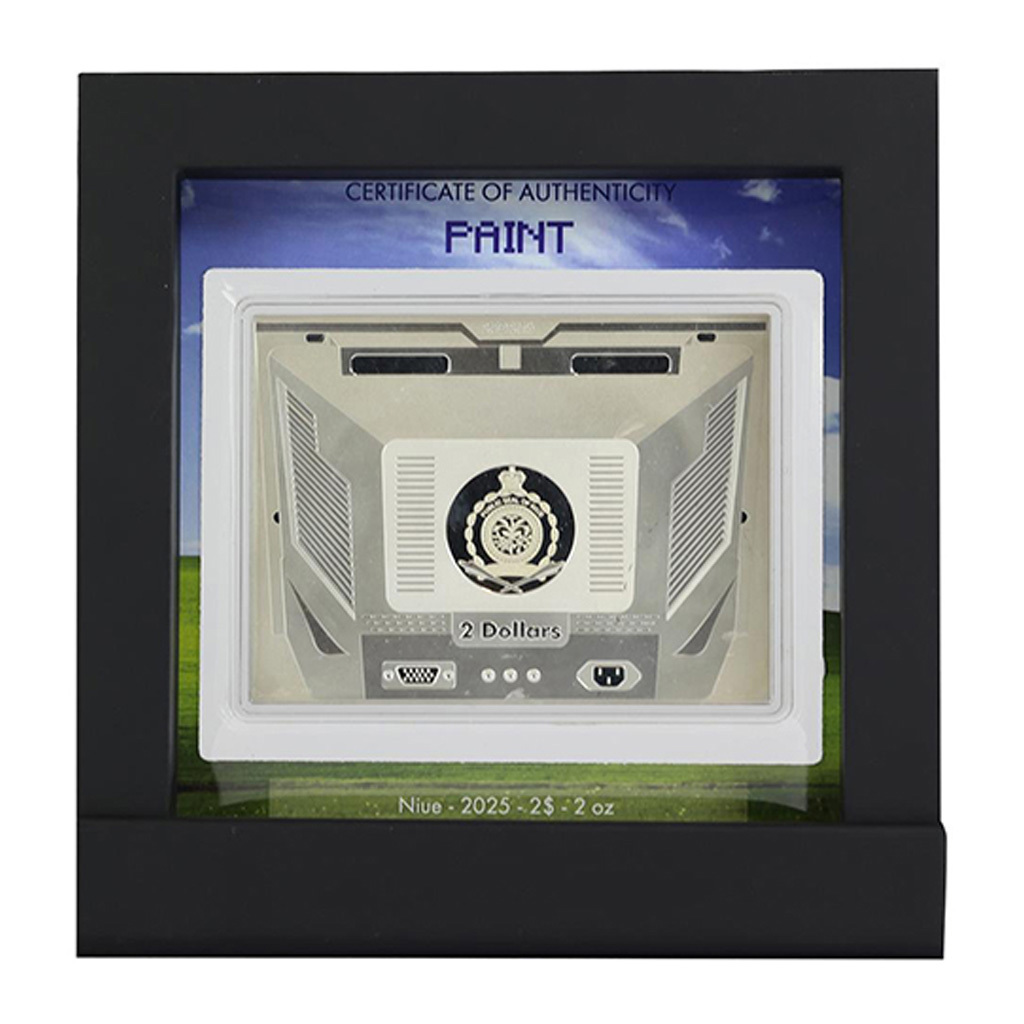
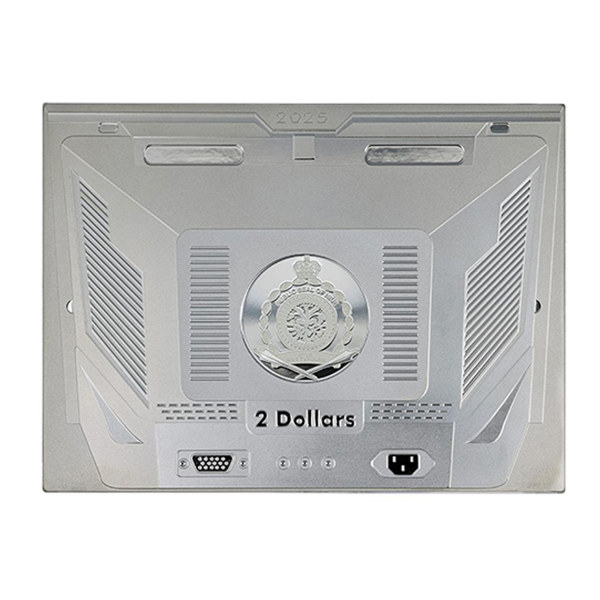
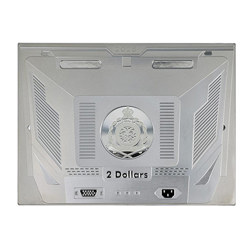
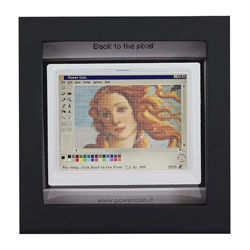
The unusual rectangular coin evokes a period monitor. While the reverse side shows Paint with a pixelated image of Botticelli's Venus, the obverse side features the necessary hardware sockets. Because the Power Coin is issued with the license of a foreign issuer, the island of Niue, its obverse side also bears the necessary attributes – the national emblem, the nominal value of 2 DOLLARS (NZD), and the year of issue 2025.
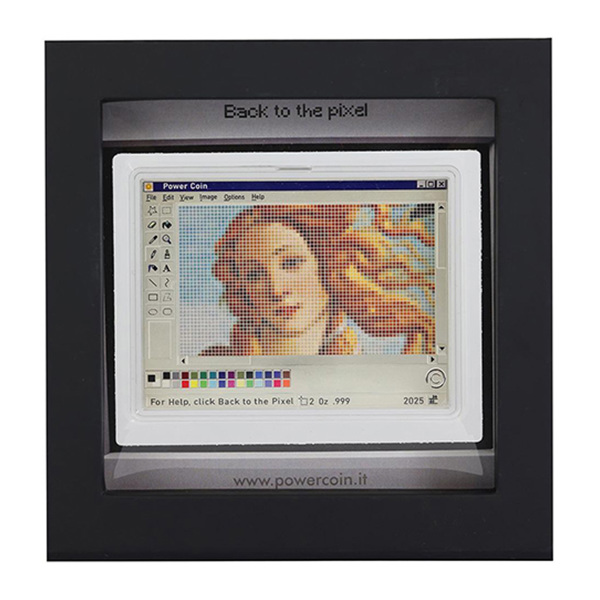
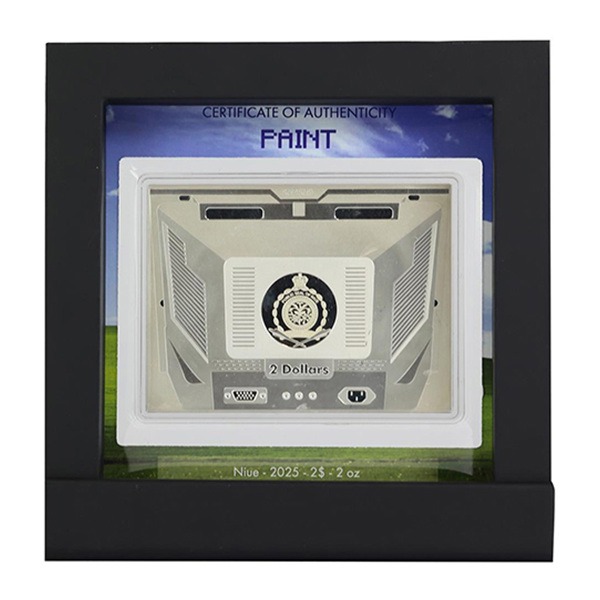
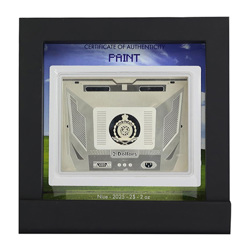
The coin is set in an elegant frame that evokes the Windows operating system environment. The issue limit is only 499 pieces.
Specifications
You have currently an unfinished repurchase request in your shopping cart. The shopping cart must be completed or deleted to create a new request.
To delete your repurchase cart and start a new repurchase, select "Delete repurchase cart and start a new repurchase".
If you want to continue with the pending request, select "Continue to repurchase cart".
You currently have an unfinished repurchase request from the safe in your repurchase cart. It is not possible to combine repurchase from the safe with repurchase of unstored products. To create a new request, the repurchase cart must be completed or deleted.
To delete your repurchase cart and start a new repurchase, select "Delete repurchase cart and start a new repurchase".
If you want to continue with the pending request, select "Continue to repurchase cart".